
Contents
- 1.In brief: what EVO is and is not
- 2.What you can do and where the limits are
- 3.1. Digital documents: what you have on your phone and how they are verified
- 4.2. Payments for public services: what to check before confirming
- 5.3. Appointments: book a visit, but don’t automatically avoid the service counter
- 6.4. Authorizations: when someone else can represent you
- 7.5. Health information: check your details, not get a diagnosis
- 8.6. How to receive money from the state
- 9.7. Example: applying for a driving licence online, with conditions
- 10.8. Diaspora: what can be done without travelling and what cannot
- 11.How to start using the app
- 12.What to do if a feature does not work
- 13.Your phone becomes an identity tool: protect it
- 14.Frequently asked questions
- 15.What to check before going to an institution
The government app EVO can save citizens some trips: digital documents, payments, appointments, authorizations and personal information. An online appointment does not, however, mean that the service is provided entirely remotely, and a document displayed on a phone does not replace the documents required at the border.
The guide below is based on official pages and the app’s presentation. Screens may vary depending on the version, user data and the availability of registries.
You can check information about yourself, present certain digital documents, pay for public services, make appointments and grant authorization for representation. These are among the features listed for EVO, which is available free of charge on the App Store and Google Play, and was developed by the Electronic Governance Agency.
Since June 2026, EVO has had a new version. The Electronic Governance Agency announced EVO 2.0 at the Moldova Digital Summit on 5 June 2026, and on 10 June 2026 confirmed that the app was available for update, with a digital identity wallet, a redesigned interface and additional features. The App Store’s version history lists version 2.0 on 4 June 2026. Instructions or screenshots for the first version should not be assumed to be identical to those in the current app.
For users, the important question is not how many services are listed in a catalogue. It is whether they can complete an operation on their phone, what conditions they must meet and where a physical presence is still required.
In brief: what EVO is and is not
EVO is an access point for public services and information from registries. The EVO portal and the Electronic Governance Agency’s communications describe authentication, digital documents, payments, authorizations, appointments and personal data brought together in a shared experience.
It is not a promise that every administrative issue can be resolved exclusively through the app. The essential distinction is between:
information: you read the conditions for a service;
appointment: you book a visit;
online application: you submit a request;
fully digital service: you receive the result without travelling;
remote order for a physical document: the application is online, but the document must be issued and delivered.
These stages should not be confused when choosing a service.
What you can do and where the limits are
The essential operations, in brief:
Operation | What EVO offers | Limit |
|---|---|---|
Digital documents | Access to an identity card, driving licence and vehicle registration certificate. | The verification procedure and scope of use; these do not replace documents required at the border. |
Payments | Payment of available fees, fines and public service charges, as well as access to transaction history. | Payment is not always the same as submitting an application for a service. |
Appointments | Booking a visit for services and institutions integrated with EVO. | Available slots and whether an in-person visit is required. |
Authorizations | Granting or receiving the right to represent someone for eligible types of service. | This is not equivalent to a universal power of attorney. |
Health information | Insurance status, family doctor and other available data. | This does not replace a medical consultation. |
State payments | Choosing how to receive eligible payments, including a default bank account in EVO 2.0. | This does not establish entitlement to an allowance or benefit. |
Services for citizens and businesses | Access to descriptions and electronic procedures in the catalogue. | Conditions are set by each service provider. |
The features appear on the EVO portal, in the app’s presentation and in the Electronic Governance Agency’s communications. The restriction concerning border crossing is published separately by the Border Police.
1. Digital documents: what you have on your phone and how they are verified
The Electronic Governance Agency and the App Store listing include an identity card, driving licence and vehicle registration certificate among the available documents. At the 2024 launch, the Electronic Governance Agency stated that the digital documents module was also available offline and that documents could be verified by QR code.
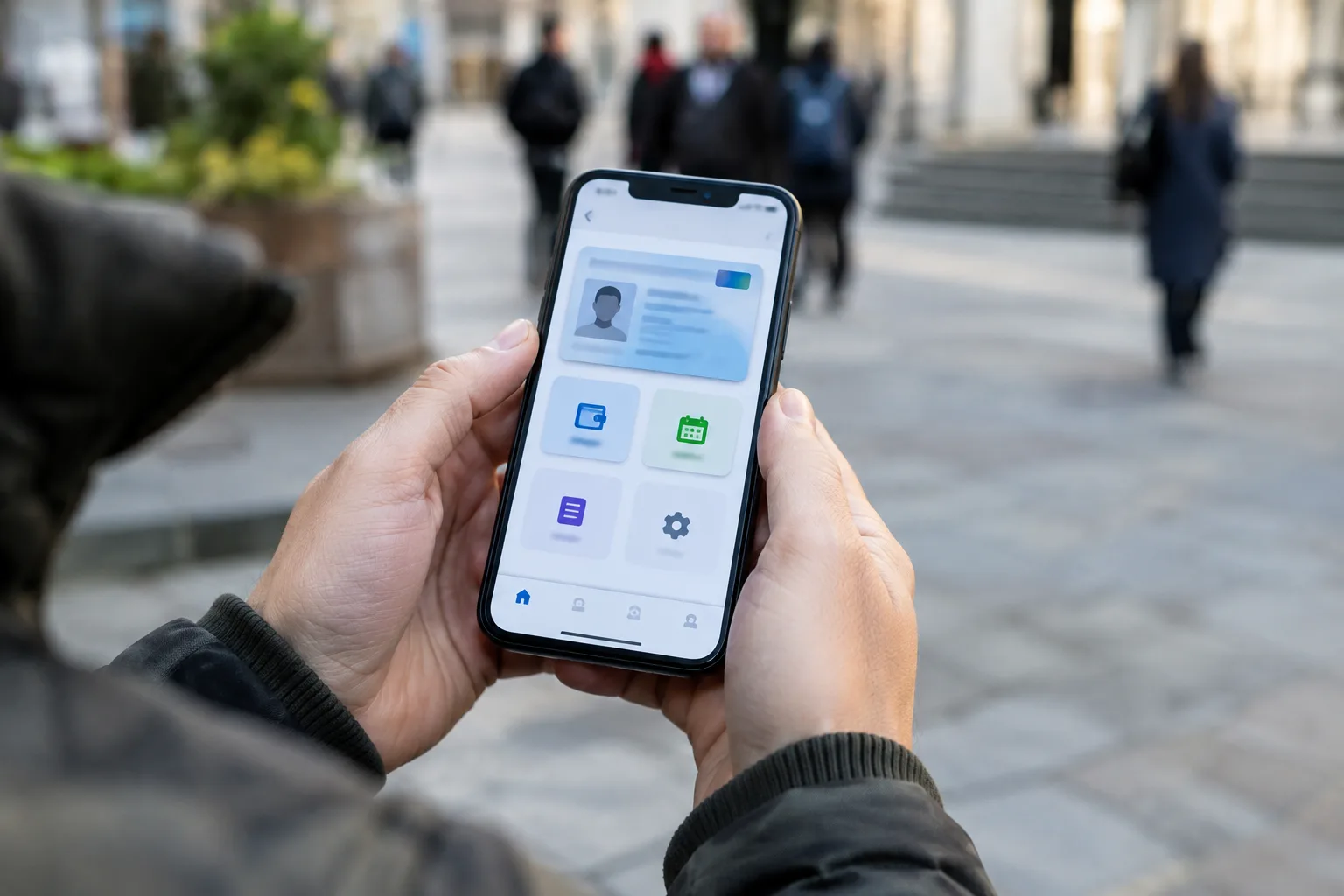
In EVO 2.0, the “Documents” module is the digital identity wallet. The Electronic Governance Agency explains that verification has been redesigned: the process is initiated by the verifier, who can generate a QR code for you to scan in the app and give your consent. A public verifier is also available. A digital document should not be confused with a photograph of a document or a screenshot.
In practice: update the app from the official store, open the “Documents” module, check whether the required documents are available and valid, and follow the verification procedure indicated by the institution. Screen names may vary by version.
You need original documents at the border.
The Border Police states that people and vehicles may not cross the border on the basis of digital documents generated by EVO. Electronic documents do not replace the original documents required for crossing the border. Therefore, do not travel abroad with only the documents on your phone. Nor should statements about the acceptance of digital documents in domestic interactions be read as a guarantee that they will be recognized at the border or in other countries.
2. Payments for public services: what to check before confirming
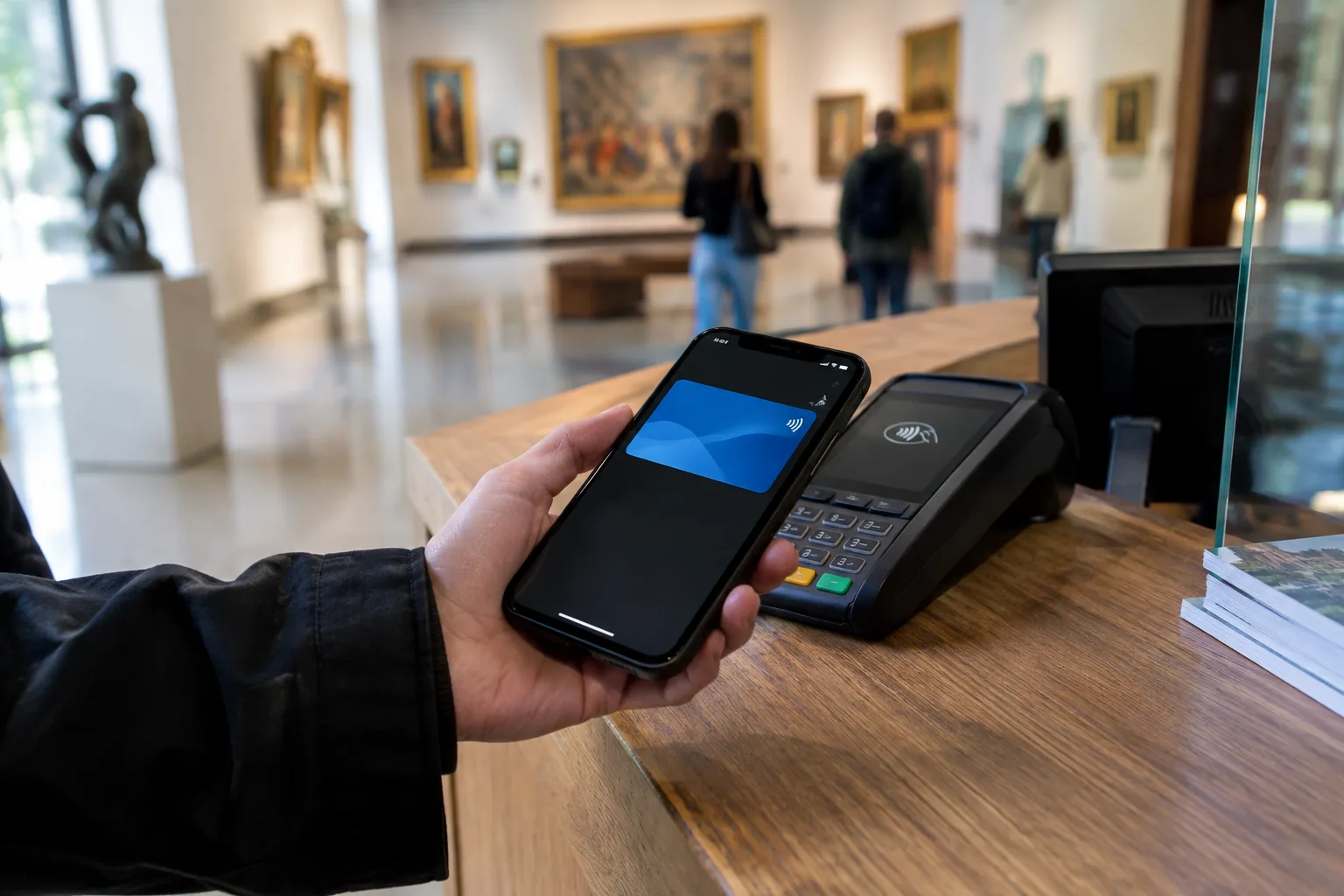
EVO allows users to search for and pay available fees, fines and public service charges, as well as view transaction history. The app’s presentation and the portal describe the management of payment methods and public payments.
Before confirming, check:
the service and beneficiary institution;
the person you are paying for;
the application or obligation number;
the amount and any costs shown;
whether a payment has already been made for the same operation.
Keep the payment confirmation and transaction ID. Do not confuse payment with completion of the service: paying the fee for a document does not, by itself, prove that the application has been accepted, that all conditions have been met or that the document has been issued.
3. Appointments: book a visit, but don’t automatically avoid the service counter
The Electronic Governance Agency confirms that appointments have been integrated into EVO through a link to the programari.gov.md platform. On 27 April 2026, appointments for cadastral services were announced as part of a pilot in 14 localities, with further expansion planned.
The general steps: open the “Appointments” module, choose the institution and service, select an available location, date and time, fill in the required details, keep the confirmation and check which documents are needed for the visit. Screen names and order may vary.
An appointment does not mean that the document will be issued on the same day. It does not replace checking the requirements, fees and whether an in-person visit is mandatory.
4. Authorizations: when someone else can represent you
EVO includes the granting and receiving of the right to represent individuals and legal entities through MPower. In April 2025, the Electronic Governance Agency announced more than 63 types of authorization (with separate figures for individuals, legal entities and common types) and said that the list was growing. The current list should be checked in the app or at mpower.gov.md, rather than treated as fixed.
The Electronic Governance Agency explains that an authorized person can represent you when requesting certain services, including at a service counter, by presenting the authorization code and an identity document. The feature may also be useful to citizens living abroad.
Before granting an authorization: identify the specific operation, check which service and institution accept it, verify the authorized person’s details, read the duration and limits, and check the revocation options. Do not assume that an authorization for an administrative service permits any legal act.
For example, the Public Services Agency explicitly provides for representation through MPower for online orders relating to a driving licence.
5. Health information: check your details, not get a diagnosis
At launch, the Electronic Governance Agency presented the “Health” module, which provides access to insurance status, family doctor and other information about the user. Its immediate use is administrative: you can check the information before contacting the medical institution or the National Health Insurance Company.
If you notice an error, note exactly which information is incorrect and ask the institution responsible for managing it for guidance. The module is not a substitute for a consultation and does not guarantee that all medical documents are visible in the app.
6. How to receive money from the state
EVO describes the option of directing eligible state payments, including allowances, benefits, assistance and salaries paid through the MPay mechanism. The EVO 2.0 notes and the App Store version history mention setting a default bank account for state payments.
Choosing how to receive a payment does not mean applying for the benefit or having the application approved. These are 3 separate steps: establishing eligibility for payment; approving or calculating the payment; choosing the channel through which you receive it. Before confirming, check the type of payment, the recipient and the account indicated.
7. Example: applying for a driving licence online, with conditions
PSA confirms electronic ordering of the national driving licence and publishes the requirements on the service page. Applicants can act in person or through a representative authorised via MPower.
Conditions to check, briefly:
Condition | What PSA requires |
|---|---|
Photograph | The facial image in PSA records must be no more than 5 years old; otherwise, you may need to visit in person to have your photograph taken. |
Medical certificate F 083/e | For the online service, it must be uploaded to the “Primary Healthcare” system. For some licence exchanges or restorations for the remaining validity period, submitting it is not mandatory, according to the rule cited by PSA. |
Indicative fee | At the time of consultation, PSA listed a fee of 440 lei for 20 working days, with higher fees for urgent processing (for example, 880 lei / 10 days) and concessions for certain categories. The amount should be reconfirmed for the selected procedure and timeframe. |
The digital application changes how you apply, not the legal requirements. Using the app does not exempt you from a medical examination when one is mandatory, nor does it remove the requirements for the right to drive.
8. Diaspora: what can be done without travelling and what cannot
EVO can provide access to information, payments, e-services and representation without requiring every transaction to start at a service counter in Moldova. Its usefulness depends on authentication and the provider’s rules. For a physical document, check separately how it will be delivered: to the holder, a representative or by delivery, if available.
PSA describes specific requirements for citizens abroad who apply to exchange or restore a driving licence through a representative (including a power of attorney or MPower and, where applicable, a medical certificate from their country of residence). These should not be replaced with the rules for a standard application made in the country.
Border Police also announces that its services can be found through the EVO portal and app, as a point of access to information, not as a substitute for travel documents.
How to start using the app
The general process, confirmed by AGE and the app stores: download the app from the official store, authenticate using an electronic signature and set up access (including a PIN or access code, depending on the current process).
Go to the official EVO page or directly to the app store and check the developer (Moldova e-Governance Agency / AGE).
Install the current version (at the time of consultation, the App Store listed the 2.0.x line).
Authenticate using the available signature method.
Set up access and check the “Documents” module.
Start with a simple task, such as viewing information, before relying on the app in an urgent situation.
The app is free, but the public services accessed through it may have their own fees.
What to do if a feature does not work
You cannot authenticate. Check for app updates and consult the official instructions. If a state register is temporarily unavailable, some data may take time to load; this does not prove that your data has disappeared.
The document does not appear. Update the app, reopen the “Documents” module and follow the options for adding documents available in the installed version. The App Store history explicitly mentions adding documents and offline mode for this process.
You have paid, but the service is not complete. Keep the transaction ID and contact the service provider. Do not immediately make the payment again just because the screen has not updated.
You cannot find the service. Check the EVO portal or the institution’s website as well. A catalogue may link to a separate system without the entire procedure being built into the app.
Your phone becomes an identity tool: protect it
use a secure screen lock;
keep PINs and confirmation codes confidential;
do not approve signing requests that you did not initiate;
check what data you are being asked to share;
do not send screenshots containing documents, IDNP or verification codes to people you do not know;
do not install apps or updates from unsolicited messages.
Frequently asked questions
Can I use EVO without internet?
At launch, AGE said that the digital documents module has offline functionality. Recent App Store history still mentions adding documents in offline mode. This does not mean that payments, appointments or information updates work without a connection. Check availability in the installed version before relying on these features.
Is a screenshot of the document enough?
No. It should not be confused with verifiable presentation from the wallet. EVO 2.0 introduced a verification mode initiated by the verifier, including through QR.
Can I cross the border with a driving licence and ID from EVO?
No. Border Police requires the original documents needed to cross the border.
Does making an appointment mean the service is taken care of?
No. It reserves a visit. The service depends on documents, checks, fees and deadlines.
Does EVO replace all service counters?
No. The requirements of the specific service determine whether an in-person visit is still needed. PSA’s requirements for a driving licence show explicitly how eligibility for online ordering depends on the available data and documents.
What to check before going to an institution
Open EVO and search for the service. See whether you can view information, pay, book a visit or submit an application. Then read the provider’s requirements.
The real benefit is not that “you have the state in your phone”, but that you can avoid an unnecessary trip or arrive prepared. The distinction between getting information, booking an appointment and having the matter fully resolved remains essential.
Sources
- Agenția de Guvernare Electronică / portal guvernamental — Portalul EVO (evo.gov.md)
- Agenția de Guvernare Electronică (egov.md) — AGE anunță EVO 2.0 la Moldova Digital Summit 2026 (5 iunie 2026)
- Agenția de Guvernare Electronică (egov.md) — EVO a trecut la nivelul următor: Bine ai venit în EVO 2.0 (10 iunie 2026)
- Agenția de Guvernare Electronică (egov.md) — EVO îți aduce actele digitale și serviciile publice în telefon (lansare publică, 6 iunie 2024)
- Agenția de Guvernare Electronică (egov.md) — Nou în EVO: Împuterniciri pentru persoane fizice și juridice (9 aprilie 2025)
- Agenția de Guvernare Electronică (age.gov.md) — Programările pentru serviciile cadastrale sunt disponibile în EVO (27 aprilie 2026)
- Poliția de Frontieră (border.gov.md) — Recomandări pentru călători: actele digitale EVO nu permit traversarea frontierei
- Poliția de Frontieră (border.gov.md) — Serviciile Poliției de Frontieră pe Portalul EVO
- Agenția Servicii Publice (asp.gov.md) — Permis de conducere național: termene, tarife, F 083/e, fotografie 5 ani, MPower
- Apple App Store / Moldova e-Governance Agency — EVO pe App Store (id6462688921): descriere și istoricul versiunilor 2.0.x
- Google Play / Moldova e-Governance Agency — EVO pe Google Play (md.egov.evo)
- mpower.gov.md — Tipuri publice de împuterniciri MPower
Written with AI assistance from the official sources above and checked by the editors.
Newsletter
Moldova, in your inbox
The stories that matter, every morning, in a single email. You choose what you get and in which language.
- Free
- No spam
- One-click unsubscribe